OpenSourceGen
Qwen Image vs FLUX.2 vs Z-Image-Turbo: Which to Use
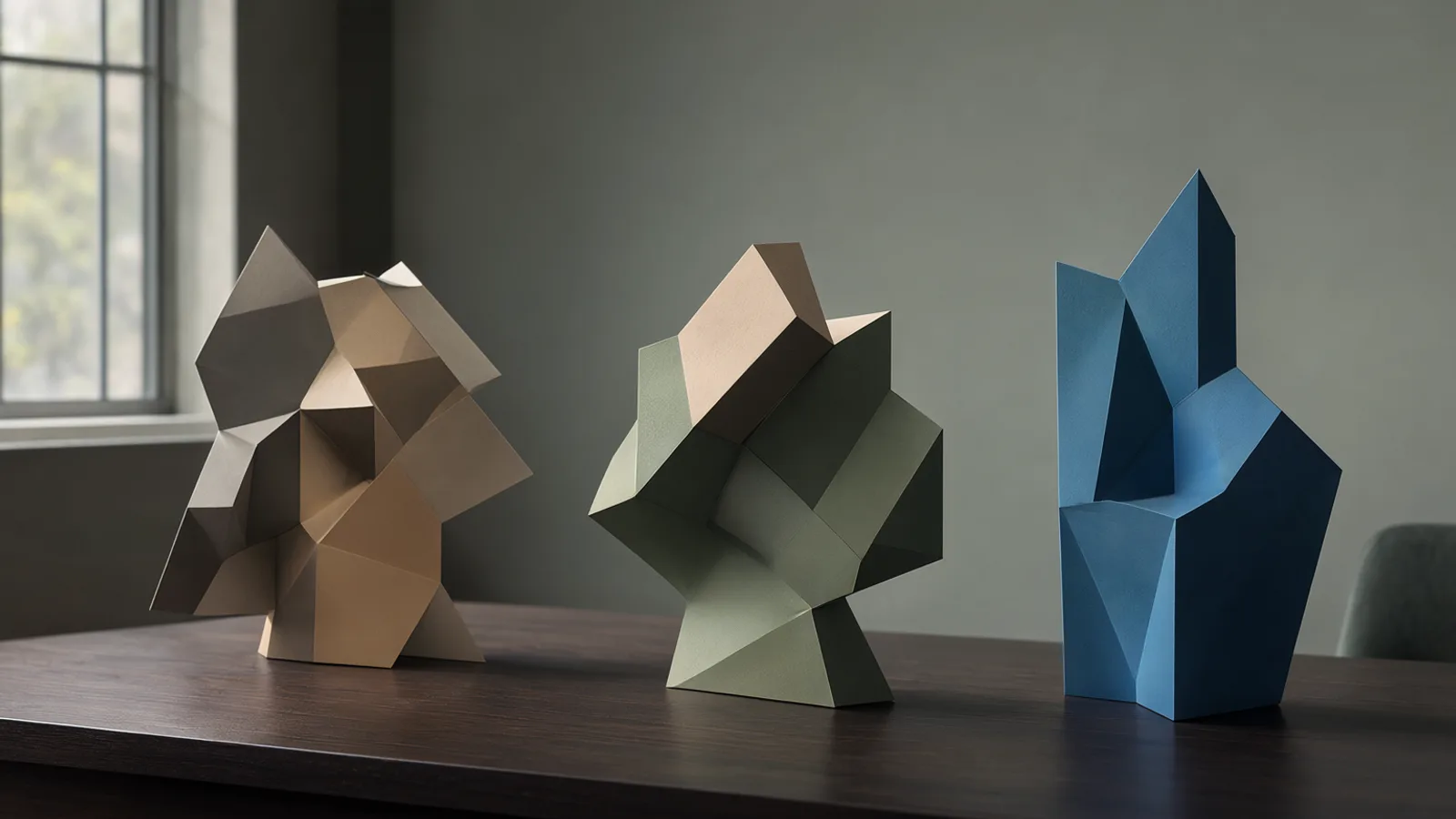
Show the prompt
Three distinct abstract geometric sculptures on a dark wooden table, soft side lighting from a window, shallow depth of field, muted earth tones and cool blue accents, wide landscape framing, clean minimalist composition.
Qwen Image 2.1, FLUX.2 Klein 4B and Z-Image Turbo are the three models available in OpenSourceGen's Create Image tool. They differ in licence terms, inference speed, reference-image support and strengths on text, portraits and product shots. This comparison uses community benchmarks and hardware tests to show which model fits each task.
Licences and commercial use
Qwen Image 2.1, Z-Image Turbo and FLUX.2 Klein 4B carry different licence terms that directly affect whether you can use the output in client work.
Qwen-Image-2.1 uses the Qwen Research License. The licence restricts use to non-commercial purposes only; any commercial client work requires a separate licence from the Alibaba Qwen team. Qwen-Image-2.1 vs. Z-Image Turbo comparison
Both Z-Image Turbo and FLUX.2 Klein 4B use the Apache-2.0 licence. Apache-2.0 explicitly permits commercial use, redistribution and modification without additional fees or approvals. Z Image vs Flux Klein vs Qwen Image 2.1 vs Krea 2
- If your project stays personal or internal research, any of the three models works.
- If you deliver images to paying clients, choose Z-Image Turbo or FLUX.2 Klein 4B to stay within licence terms.
- OpenSourceGen's Create Image tool runs all three models under their native licences; the platform does not change the licence terms.
Check the exact licence text on each model's repository before starting paid work. The research licence on Qwen Image 2.1 is the most common point of confusion.
Speed, resolution and hardware needs
Step counts set the main speed difference. In ComfyUI tests Qwen-Image-2.1 runs 25 steps, Z-Image Turbo runs 9 steps, and FLUX.2 Klein 4B runs 4 steps. Fewer steps cut generation time directly.
VRAM and memory use
Z-Image Turbo fits in 16 GB VRAM at bf16 and shows the lowest measured peak on Mac at 5.5 GiB. FLUX.2 Klein 4B needs roughly 13 GB. Qwen-Image-2.1 memory figures are not listed in the tests.
Resolution support
Qwen-Image-2.1 outputs at native 2K. Z-Image Turbo and FLUX.2 Klein 4B both reach up to 2K.
Real timings on Apple M6 Mac mini
FLUX.2 Klein 4B finishes a 1024x1024 image in 15-16 seconds. Z-Image Turbo takes 41-49 seconds for the same size. The gap comes from the four-step versus nine-step distillation.
A common mistake is expecting the same VRAM or speed across all three models. Match the task to the hardware you have: FLUX.2 Klein 4B for quick batches on modest GPUs, Z-Image Turbo when memory headroom matters most.
OpenSourceGen's Create Image tool runs Qwen Image 2.1, FLUX.2 and Z-Image Turbo with full settings and no signup required.Create Image →
Editing features and reference images
Qwen Image 2.1, FLUX.2 Klein 4B and Z-Image Turbo differ sharply in how they handle image editing and reference inputs.
Qwen Image 2.1 accepts up to 10 reference images in a single edit pass. It supports instruction-based changes guided by circles or masks drawn on the source, and it can output transparent RGBA directly. These features make it suitable for multi-image compositing and precise local edits.
FLUX.2 Klein 4B handles up to 4 reference images and also supports instruction editing, though without the mask or circle tools listed for Qwen.
Z-Image Turbo provides no CFG scale or negative prompt controls, which limits fine-grained editing guidance.
OpenSourceGen's Edit Image tool runs the Qwen Image 2.1 editor by default and exposes the full reference count and mask options.
| Model | Max references | Mask/circle support | CFG & negative prompt | Transparent output |
|---|---|---|---|---|
| Qwen Image 2.1 | 10 | Yes | Yes | Yes |
| FLUX.2 Klein 4B | 4 | No | Yes | No |
| Z-Image Turbo | Not stated | No | No | No |
Users who need to combine many source photos or perform masked edits choose Qwen; those limited to four references or simpler prompt-only changes can use FLUX.2 Klein 4B.
Text rendering and photorealism
Z-Image Turbo and Qwen Image 2.1 handle text and realism differently. Z-Image Turbo leads on bilingual English/Chinese text and overall photorealism according to its model card. Qwen Image 2.1 wins most head-to-head tests on precise text and object placement.
Bilingual text and photorealism
- Z-Image Turbo produces the cleanest East Asian script and Latin characters together without distortion or missing strokes.
- It also renders skin pores, fabric weave and natural lighting with fewer plastic artifacts than the other two models.
- Qwen Image 2.1 still generates accurate single-language text but trails on mixed scripts.
Head-to-head prompt tests
In a direct run of ten prompts, Qwen Image 2.1 beat Z-Image Turbo on eight, especially when the prompt required exact lettering or specific object shapes.
Benchmark scores
GraduallyBench Image v2 gave Qwen Image 2.1 74/100 overall and 87/100 on product photography, while Z-Image Turbo scored 36/100 overall and 30/100 on the same category. The gap appears mainly in text legibility and object fidelity rather than artistic style.
Use Z-Image Turbo when the job needs polished bilingual captions or lifelike portraits. Switch to Qwen Image 2.1 when the prompt contains dense text or demands pixel-accurate placement of objects.
Quality by use case from tests
Community tests on ComfyUI workflows highlight clear task strengths for each model.
- Qwen Image 2.1 leads on typography-heavy scenes, transparent asset creation and multi-image editing tasks. Its 7B generation component produces clean text placement and consistent object fidelity across multiple references.
- FLUX.2 Klein 4B stands out for lighting direction control in fashion shots, where its 4-step distilled inference delivers accurate highlights and shadows without extra guidance parameters.
- Z-Image Turbo performs best on East Asian portraits and polished catalogue images, yielding natural skin tones and consistent product presentation in single-reference workflows.
In GraduallyBench Image v2 results, Qwen Image 2.1 scored highest overall (74/100) and especially on product photography (87/100), while Z-Image Turbo scored 36/100. These patterns hold in side-by-side prompt runs where Qwen Image 2.1 captured exact object details more reliably than Z-Image Turbo.
OpenSourceGen's Create Image tool surfaces all three models in the same dropdown so you can test the same prompt across them without switching interfaces. Switch models directly in the settings panel to match the output to your current task.
Side-by-side model comparison table
The three models differ sharply on licence, speed settings and reference support. The table below summarises the measurable differences taken from model cards and hardware tests.
| Model | Parameters | Licence | Steps | VRAM | Max references | Native 2K | Commercial safe |
|---|---|---|---|---|---|---|---|
| Qwen-Image-2.1 | 7B | Qwen Research (non-commercial) | 25 | not stated | 10 | yes | no |
| Z-Image Turbo | 6B | Apache-2.0 | 9 | 16 GB (bf16) | not stated | up to 2K | yes |
| FLUX.2 Klein 4B | 4B | Apache-2.0 | 4 | ~13 GB | 4 | up to 2K | yes |
Qwen-Image-2.1 requires the most steps and carries the strictest licence. Z-Image Turbo lists the highest VRAM figure yet records the lowest measured peak on Mac hardware. FLUX.2 Klein 4B uses the fewest steps and the smallest parameter count. Reference counts come directly from each model's documented editing interface: Qwen accepts up to ten images plus masks, FLUX accepts up to four, and Z-Image Turbo reference count is not stated. Native 2K output is listed only for Qwen; the other two reach 2K through upscaling. Commercial safety follows the licence terms exactly: Apache-2.0 models allow client work while the Qwen Research Licence does not.
Which model should you choose
Choose based on the task, licence needs and hardware limits.
Qwen Image 2.1
Pick this for instruction-based edits, multi-image work and typography. It accepts up to 10 reference images plus masks or circles and produces native 2K output. It scored 74/100 on GraduallyBench Image v2 and won 8 of 10 head-to-head prompts against Z-Image Turbo on text and object accuracy. The research licence restricts commercial client work.
FLUX.2 Klein 4B
Use this for speed and volume. It runs in 4 steps, needs roughly 13 GB VRAM and finishes a 1024×1024 image in 15-16 seconds on an Apple M6 Mac mini. It supports up to 4 references and handles lighting direction well on fashion shots, making it suitable for rapid drafts and large batches.
Z-Image Turbo
Select this for East Asian portraits, catalogue images and any commercial project. It is Apache-2.0 licensed, runs in 9 steps, fits in 16 GB VRAM (bf16) and shows the lowest measured peak memory on Mac tests at 5.5 GiB. It excels at bilingual text and photorealism but lacks CFG or negative-prompt controls.
Match the model to the job rather than defaulting to the newest release.
Fastest way to try these models
OpenSourceGen's Create Image tool runs Qwen Image 2.1, FLUX.2 and Z-Image-Turbo among its models. No account is required for guest use.
Visit Create Image. The model dropdown shows the three options plus others. Select the model, enter a prompt, then generate.
- Open the page in any browser.
- Pick Qwen Image 2.1, FLUX.2 or Z-Image-Turbo from the dropdown.
- Type the prompt.
- Click generate. Results appear without login.
Guest sessions keep full control over every setting listed for each model. Signed-in users gain a personal library but the generation path stays identical. The tool uses the same versions described in the benchmarks above, so output matches the licence, speed and editing behaviour covered earlier.
For repeated tests, sign in with email or Google to save images automatically. Credit use is shown before each run and deducted only on completion.
Frequently asked questions
Which model supports the most reference images for editing?
Qwen Image 2.1 accepts up to 10 reference images in one edit and supports instruction edits with circles or masks.
Can I use these models for commercial client work?
Z-Image Turbo and FLUX.2 Klein 4B are Apache-2.0 and commercially safe. Qwen Image 2.1 is research-licence only and needs a separate commercial licence.
Which model runs fastest on modest hardware?
FLUX.2 Klein 4B needs only 4 steps and about 13 GB VRAM. Z-Image Turbo peaks at 5.5 GiB on Mac tests but takes longer per image.
How do the models compare on text in images?
Z-Image Turbo is strongest for bilingual English/Chinese text. Qwen Image 2.1 scored highest on exact objects and typography in direct prompt tests.
Try the three models side by side
OpenSourceGen's Create Image tool runs Qwen Image 2.1, FLUX.2 and Z-Image Turbo with full settings and no signup required.
Open Create ImageSources
Researched and drafted with AI assistance by the OpenSourceGen team's editorial pipeline, from the sources listed above. Model licences, prices and versions change — check the linked pages before relying on them. Spotted a mistake? Tell us on Discord.