OpenSourceGen
Open Source AI Model Releases November 2026
Show the prompt
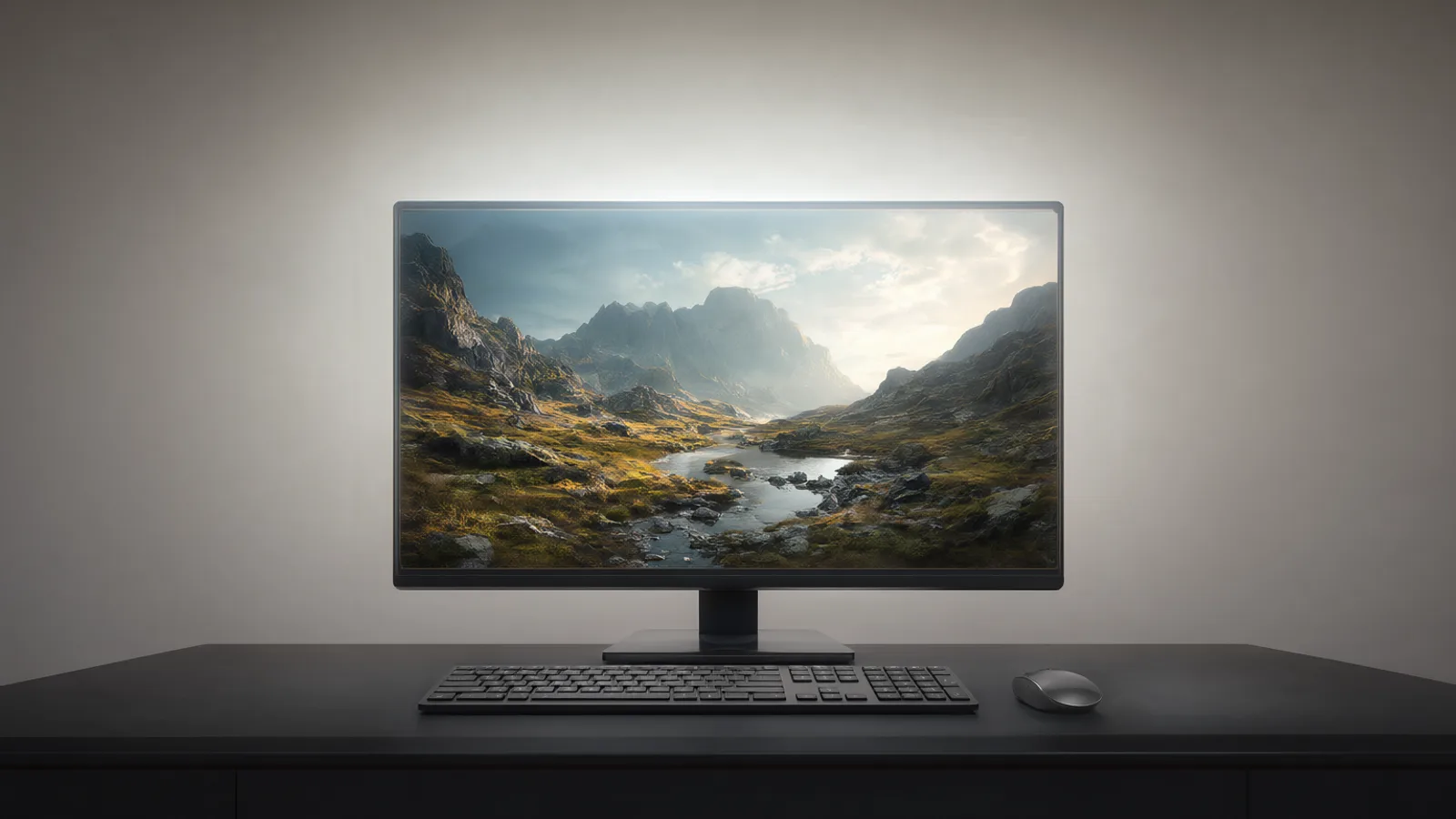
Wide editorial illustration of a dark studio desk holding a single glowing monitor that displays a high-resolution landscape image, soft overhead lighting, clean minimal background, no text or logos, cinematic composition.
Several open-weight models and ComfyUI updates appeared between 10 and 19 November 2026. The most significant are MiniMax H3-Image for high-resolution editing, LongCat-Video-Avatar 1.6 for long talking-head video, PAN 2 for world-model video, a 4-step LoRA for MOSS-Image, ComfyUI v0.46.0, and Zyphra’s fast ZONOS3-Mini TTS. This round-up lists exact sizes, licences, hardware numbers and the fastest way to try each one.
MiniMax H3-Image: 16 MP open-weights image model
MiniMax H3-Image is a 33.1B diffusion transformer released with open weights on November 10-11 2026 under the MiniMax-H3-Image Community License. the model card One checkpoint performs both text-to-image and multi-reference editing. It supports resolutions up to roughly 16 MP, such as 4096x4096 or 6272x2688, and samples in 6 steps at CFG 1.
The model accepts up to 16 reference images. ComfyUI Wiki Native support arrived in ComfyUI v0.46.0 through the bigcat88 PR. Weights are available on Hugging Face at MiniMaxAI/MiniMax-H3-Image. The Community License excludes certain jurisdictions; check the model card before download.
Local ComfyUI setup
- Update to v0.46.0 or later.
- Install the MiniMax H3 Image node via the manager.
- Load the bf16 or int8 checkpoint.
- Connect up to 16 reference images and set steps to 6, CFG to 1.
Fastest way to try
OpenSourceGen's Create Image page already runs the related P-H3 Image variant built on the same H3 architecture. Select P-H3 Image, enter a prompt, and adjust reference images in the editor. No local install or GPU rental is required.
LongCat-Video-Avatar 1.6: stable 10-minute talking avatars
LongCat-Video-Avatar 1.6 generates lip-synced avatar video from one photo plus an audio track. Weights appeared November 13 2026 and inference code November 15 under the MIT licence. The model stays stable past ten minutes because RL post-training and on-policy distillation cut error accumulation over long sequences.
It ships an 8-step DMD distillation path alongside the 50-step base path and optional INT8 weights. The ComfyUI-LongCat-Avatar node pack by Pedro (LatentSpacer) adds dedicated nodes for both paths plus two rank-128 LoRAs; the int8 DiT checkpoint weighs 14.9 GiB.
Fastest local route
- Clone the node pack into your custom_nodes folder and restart ComfyUI.
- Download weights from meituan-longcat/LongCat-Video-Avatar-1.6 or the Comfy-Org mirror.
- Load one of the included workflow templates, drop a single reference image and an audio file, then run.
The technical report (arXiv:2611.18822 v2) details the improved CFG strategies and distillation that produce the long-video consistency. Community nodes expose both the distilled and base samplers so you can trade quality for speed on the same checkpoint.
OpenSourceGen already runs the MiniMax-H3-based P-H3 Image model with up to four reference images and full prompt settings.Create Image →
PAN 2 world model lands in ComfyUI
PAN 2 is a 29B-parameter world model from MBZUAI IFM released with open weights around November 10 2026 under the Apache-2.0 licence. It produces up to 20-second clips at 704×1248 resolution and 24 fps from either a text prompt or a start frame. The model card places it third on the Physics-IQ Verified leaderboard among open-weight entries.
Native ComfyUI support arrived via Kijai’s core PR on November 16 2026. The integration loads fp8 or int8 weights and runs 241 frames at 15.2 seconds per step on an RTX 5090.
Installation steps
- Update ComfyUI to the latest nightly.
- Install the Kijai custom nodes if not already present.
- Download the int8 checkpoint (26.7 GB) from the official repository.
- Place the file in the unet folder and load the provided example workflow.
Key settings
- Resolution: 704×1248 (fixed for the 20 s preset)
- Frame count: up to 241
- Sampler steps: 20–30 typical
- Guidance scale: 4.5–7.5
The int8 path keeps memory under 28 GB while preserving motion quality.
{
 "model": "PAN2_int8.safetensors",
 "steps": 25,
 "cfg": 6.0,
 "resolution": [704, 1248],
 "frames": 241
}
MOSS-Image 4-Step LoRA ships for fast generation
The rank-64 LoRA released by lvladikov on November 19 2026 runs the Apache-2.0 MOSS-Image-SFT base model in four steps at CFG 1. The base checkpoint is OpenMOSS-Team/MOSS-Image-SFT.
Speed and quality numbers
- 22 images at 1024² finish in 26.6 s instead of 387.3 s.
- Texture score reaches 1.22× the teacher model on the author’s benchmarks.
- 14 of 15 prompts correctly render every requested string.
Files required
- moss_image_sft_bf16.safetensors (base)
- qwen3.5_9b_w4a8_gptq (text encoder)
- flux2-vae_small (VAE)
- moss_sft_4step_rank_64_lora_comfyui.safetensors (LoRA)
Included workflows
The release ships eight ComfyUI core-node graphs:
- Text-to-image
- Layout control
- Instruction edit
- 4× upscale
5–8. Variants of the above with different seeds and aspect ratios.
Download the safetensors files and the workflow JSONs from the author’s repository. Load any of the eight graphs, drop the LoRA on the model loader, and set steps to 4 with CFG at 1. The distilled path keeps the original output distribution while cutting inference time by more than 14×.
ComfyUI v0.46.0 and ecosystem updates
ComfyUI v0.46.0 shipped around 18-19 November 2026. It adds nodes for AlphaGen, SDR-to-HDR conversion, Reframe and Upscale tailored to LTX models, plus a dedicated MiniMax H3 Image node. Workflow templates updated to v0.11.106/107, and single-channel PNG saving is now supported.
The Video Deflicker node from Kijai landed on 15 November. It uses native RAFT flow and runs 2.3 times faster than torchvision for per-frame upscales.
Update steps
- Pull the latest ComfyUI core.
- Install or update the MiniMax H3 Image node via the bigcat88 PR.
- Add the Kijai Video Deflicker node for upscaling pipelines.
- Load one of the refreshed workflow templates.
- Test single-channel PNG export on alpha outputs.
Comfy Cloud Custom Builds appeared on 18 November. They bundle custom nodes, models, LoRAs and dependencies for workflows that exceed the standard node list.
Check the ComfyUI Wiki news feed for the exact PR numbers before installing. ComfyUI 0.46.0 release notes and ComfyUI News & Open-Source AI Releases list the changes.
Zyphra ZONOS3-Mini: ultra-fast open TTS
Zyphra open-sourced ZONOS3-Mini on November 13 2026 under the Apache 2.0 licence. The model uses a mixture-of-experts design with 100M active parameters out of 800M total and runs the 15 Hz ZAC-1 codec.
Key specifications
- 80 ms median time-to-first-audio on an H100.
- Support for 43 languages.
- First place among open-weight TTS models on the Zyphra ZTTS2-Eval benchmark across 55 language subsets.
These numbers matter for real-time voice applications where latency under 100 ms keeps dialogue responsive. The active-parameter count keeps memory use low while the larger total parameter budget preserves quality across languages.
Local inference route
Download the weights from the Zyphra repository listed in the release announcement. Load the model with the provided inference script, select the target language, and pass text plus an optional speaker embedding.
Common setup mistake
Users often run the full 800M parameters at every step instead of the 100M active subset. This wastes VRAM and slows generation without improving output. Set the active-expert count explicitly in the config before the first run.
The model card and benchmark report contain the exact evaluation splits and hardware details.
Frequently asked questions
Where can I download MiniMax H3-Image weights?
The 33.1B checkpoint is available on Hugging Face at MiniMaxAI/MiniMax-H3-Image under the MiniMax-H3-Image Community License.
Does LongCat-Video-Avatar 1.6 run in ComfyUI?
Yes. The ComfyUI-LongCat-Avatar node pack and Comfy-Org weight mirror were released on 18 November 2026 and support both the 8-step distilled and 50-step base models.
What hardware does PAN 2 need for 241-frame generation?
The int8 weights (26.7 GB) run at 15.2 seconds per step on an RTX 5090 inside the Kijai ComfyUI node.
How many steps does the MOSS-Image 4-Step LoRA use?
It generates at CFG 1 in four steps instead of the original 50-step CFG-3 schedule while keeping 1.22× teacher texture quality.
Try P-H3 Image on OpenSourceGen
OpenSourceGen already runs the MiniMax-H3-based P-H3 Image model with up to four reference images and full prompt settings.
Open Create ImageSources
- AI models released in November 2026 · The AI Engineering
- ComfyUI News & Open-Source AI Releases | ComfyUI Wiki
- LongCat Video Avatar 1.6 Now Runs in ComfyUI | ComfyUI Wiki
- MOSS-Image 4-Step LoRA: eDMD Distillation Keeps Fine Detail | ComfyUI Wiki
- [2611.18822] LongCat-Video-Avatar 1.6 Technical Report
- ComfyUI 0.46.0 | Freedom.Tech
- Zyphra open-sources ZONOS3-Mini MoE TTS at 80ms first audio | AI Weekly
Researched and drafted with AI assistance by the OpenSourceGen team's editorial pipeline, from the sources listed above. Model licences, prices and versions change — check the linked pages before relying on them. Spotted a mistake? Tell us on Discord.