OpenSourceGen
MiniMax H3 Image Open Release and ComfyUI Updates
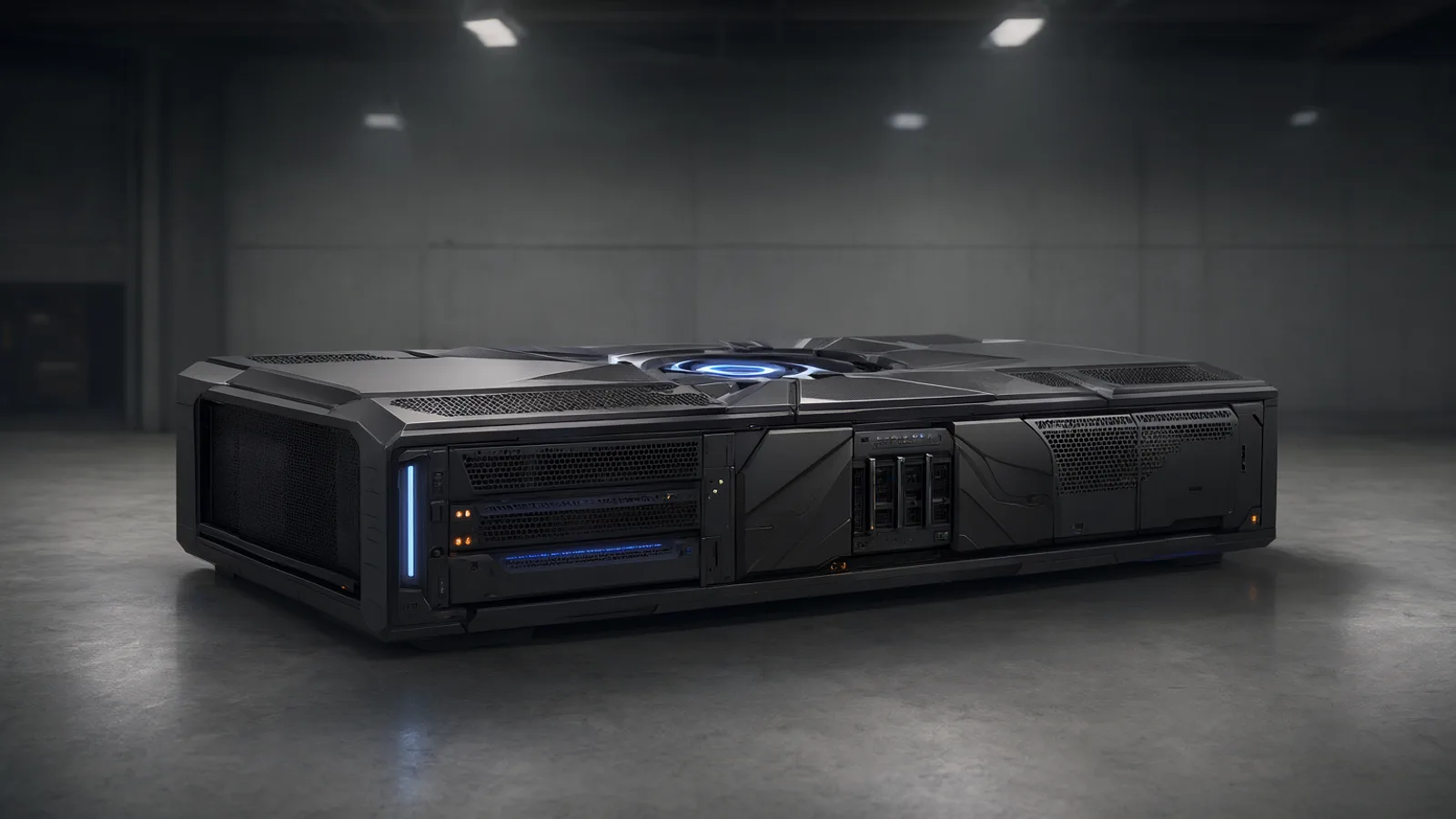
Show the prompt
Wide editorial illustration of a large modern GPU rack on a dark concrete floor, soft overhead industrial lighting, subtle blue accent glow from indicator LEDs, clean minimalist composition, no text or logos, wide landscape framing.
MiniMax H3 Image, a 33.1B DiT for native 16 MP text-to-image and editing, reached Hugging Face on 10 November under a restrictive community licence. The same day MBZUAI released PAN 2, a 29B Apache-2.0 video world model, and ComfyUI v0.45.0 added native nodes and templates for both. A community 2-step LoRA for H3-Image also appeared. This round-up lists the verifiable releases with sizes, licences and exact run steps.
MiniMax H3 Image 33B 16 MP checkpoint
MiniMax-H3-Image is a 33.1B dense single-stream DiT built on the H3 architecture without audio layers. It ships as one checkpoint that performs both text-to-image and image editing with up to 16 reference images. The shared Qwen3-VL-32B text encoder uses layer 50 hidden states, the same encoder required by the companion MiniMax H3 video model.
The model produces native resolutions near 16 MP in six sampling steps at CFG 1. No negative prompt is supported. Supported sizes range from roughly 4 MP to 20 MP, with best results near 16 MP. Examples include 4096×4096 at 1:1 and 6272×2688 at 21:9. The full BF16 weight set totals about 68.65 GB: the DiT at 66.28 GB, the VAE at 2.34 GB, plus smaller files. The separate text encoder must be downloaded from MiniMaxAI/MiniMax-H3.
Licence restrictions
The MiniMax H3 Image Community License, dated 2026-11-10, bars use in the EU, UK, South Korea and US. Commercial deployment above $1 M in annualized revenue or any hosted service offered to third parties requires prior written authorization from MiniMax.
The model card lists diffusers, SGLang, vLLM-Omni and ComfyUI examples, together with an optional prompt-expansion model. Pruned and quantized repacks are available from Comfy-Org.
ComfyUI v0.45.0 native MiniMax H3 Image support
ComfyUI v0.45.0, released around 10 November 2026, merged native support for MiniMax-H3-Image through PR #17655. The update includes two ready templates, additional nodes, a frontend bump to 1.58.5, and fixes for pixel_space VAE error messaging.
Templates and nodes
- image_minimax_h3_image_t2i for text-to-image
- image_minimax_h3_image_edit for reference-based editing
- ImageSDRToHDR and ReferenceMultiLatent for extended workflows
Where to find weights
Comfy-Org supplies pruned and quantized repacks on Hugging Face, including the 21 GB int8 and 12.5 GB w4a8 versions plus the required Qwen3-VL text encoder files.
Steps to load the model
- Update ComfyUI to v0.45.0 or later.
- Download the DiT, VAE, and Qwen3-VL encoder files from the MiniMaxAI/MiniMax-H3-Image repository or a Comfy-Org repack.
- Place the files in the standard checkpoints, vae, and text_encoders folders.
- Load the template image_minimax_h3_image_t2i (or the edit template) from the template menu.
- Connect the text encoder and select the BF16 or quantized checkpoint.
- Set resolution near 16 MP (min_generation_area 4194304) and run at 6 steps, CFG 1.
The templates handle the single-stream DiT layout and the shared Qwen3-VL-32B encoder automatically. Users often skip the separate text-encoder download, which produces a missing-module error on first load. ComfyUI Wiki news entry ComfyUI Newsletter
OpenSourceGen runs the Pruna P-H3 Image variant built on MiniMax H3 with full prompt and reference controls.Create Image →
PAN 2 29B world model for 20 s video
PAN 2 is a 29B MMDiT world model released 2026-11-10 by MBZUAI IFM under Apache 2.0. It takes text plus an optional action description and start frame, then outputs up to 20-second 704x1248 video at 24 fps. The model uses the Qwen/Qwen3.5-9B text encoder and Wan 2.2 VAE.
Default inference settings are 50 steps, CFG 2.5, shift 9 and 241 frames. It supports both text-to-video and image-to-video and ranks high on the Physics-IQ Verified benchmark among open models.
ComfyUI setup
- Install the ComfyUI-PAN2 custom node released 2026-11-11.
- Download the diffusers-layout weights or the fp8 repack from zombothe26/pan2-fp8.
- Load the model in the PAN2 node.
- Connect the Qwen3.5-9B text encoder and Wan 2.2 VAE.
- Set resolution to 704x1248, steps to 50, CFG to 2.5 and shift to 9.
The node runs in pure PyTorch with SDPA. A common error is feeding the wrong VAE; using any other VAE produces black frames or severe artifacts. The ComfyUI Wiki entry lists ready templates for both modes.
pDMD 2-step LoRA for H3-Image
The pDMD 2-step LoRA for MiniMax-H3-Image reduces sampling steps from the base 6 to 2 at native 16 MP resolution. Generation time drops from 25.1 s to 17.4 s per image while preserving output quality.
It ships with ready-to-load ComfyUI workflows that pair the LoRA directly with the H3-Image checkpoint and Qwen3-VL-32B encoder. The LoRA and workflows appear in the 2026-11-10 ComfyUI Wiki news entry alongside the base model release.
Loading the LoRA in ComfyUI
- Download the pDMD LoRA safetensors file from the linked ComfyUI Wiki entry.
- Place it in the
lorasfolder alongside the MiniMax-H3-Image DiT and VAE files. - Load the
image_minimax_h3_image_t2itemplate from the workflow menu. - Insert a LoRA Loader node after the model loader and select the pDMD file at strength 0.8–1.0.
- Set sampler steps to 2, CFG to 1, and resolution near 4194304 pixels.
- Queue the workflow; the node graph applies the LoRA automatically.
Common settings table
| Parameter | Recommended value | Reason |
|---|---|---|
| Steps | 2 | Matches LoRA training schedule |
| CFG | 1 | Base model default, no negative prompt |
| LoRA strength | 0.8–1.0 | Balances speed and fidelity |
| Resolution area | 4194304 px | Keeps native 16 MP output |
People often leave the base 6-step sampler active after adding the LoRA; this wastes the speed gain. Reset steps explicitly to 2 before running.
{
 "steps": 2,
 "cfg": 1,
 "lora_strength": 0.9,
 "resolution": "4096x4096"
}
Fastest way to try P-H3 Image
OpenSourceGen runs the Pruna P-H3 Image variant built on MiniMax H3 inside its Create Image tool, letting anyone generate 4 MP outputs or perform instruction-based edits with up to four reference images without downloading the 68 GB checkpoint or setting up ComfyUI. The hosted version includes a built-in prompt upsampler and an optional Realism People LoRA, and it accepts the same text-to-image and edit prompts that work on the full MiniMax-H3-Image model. Create Image therefore serves as the quickest entry point for testing 4 MP outputs and multi-image conditioning.
Licence and ecosystem notes
The MiniMax H3 Image Community License, released 2026-11-10, differs from the earlier H3 video licence. The revenue threshold for commercial use without prior approval dropped from $20M to $1M annualized revenue. Hosted services to third parties also require written authorization. The licence excludes users in the EU, UK, South Korea and the US.
Licence details
- Commercial use above $1M revenue or any hosted inference needs prior written consent from MiniMax.
- The model files remain available on Hugging Face under the new terms; check the licence file in the repo before download.
- No changes affect non-commercial or personal local runs.
HF repo integrations
The MiniMaxAI/MiniMax-H3-Image repository supplies ready examples for diffusers, SGLang and vLLM-Omni. It also includes ComfyUI workflows and an optional PE model that expands short prompts before generation. The same repo lists the required Qwen3-VL-32B text encoder files.
Where to check updates
Comfy-Org maintains pruned and quantized repacks (int8 and w4a8) alongside the base weights. The ComfyUI Wiki entry for the model records licence clarifications and node updates as they appear. Always verify the current licence text on the Hugging Face page before any commercial deployment.
Frequently asked questions
How big is the MiniMax H3 Image model?
The full BF16 checkpoint is 68.65 GB (DiT 66.28 GB plus VAE). Comfy-Org provides int8 and w4a8 repacks down to 12.5 GB.
Does MiniMax H3 Image support negative prompts?
No. The model runs at CFG 1 with no negative prompt support and produces native 16 MP output in six steps.
What licence covers MiniMax H3 Image?
The MiniMax H3 Image Community License excludes the EU, UK, South Korea and US. Commercial use above $1 M revenue or hosted services requires written authorisation.
How do I load PAN 2 in ComfyUI?
Install the Community ComfyUI-PAN2 node. It loads diffusers-layout weights or the fp8 repack from zombothe26/pan2-fp8 and runs in pure PyTorch.
Try P-H3 Image now
OpenSourceGen runs the Pruna P-H3 Image variant built on MiniMax H3 with full prompt and reference controls.
Open Create ImageSources
- MiniMaxAI/MiniMax-H3-Image · Hugging Face
- ComfyUI News & Open-Source AI Releases | ComfyUI Wiki
- MiniMax-H3-Image: 16 MP Text-to-Image and Editing in ComfyUI | ComfyUI Wiki
- PAN 2: MBZUAI's 29B World Model in ComfyUI, 20-Second Clips | ComfyUI Wiki
- MiniMax H3 Image is now available in ComfyUI - ComfyUI Newsletter
- MiniMax releases open-weight H3-Image model with 4K output on Hugging Face
- MBZUAI’s IFM Releases PAN 2, an Open 29B World Model for Physical AI
- ComfyUI 0.45.0 | Freedom.Tech
- comfyui-wiki.com
- middleeastainews.com
Researched and drafted with AI assistance by the OpenSourceGen team's editorial pipeline, from the sources listed above. Model licences, prices and versions change — check the linked pages before relying on them. Spotted a mistake? Tell us on Discord.