OpenSourceGen
New Open Source Image Video Models November 2026
Show the prompt
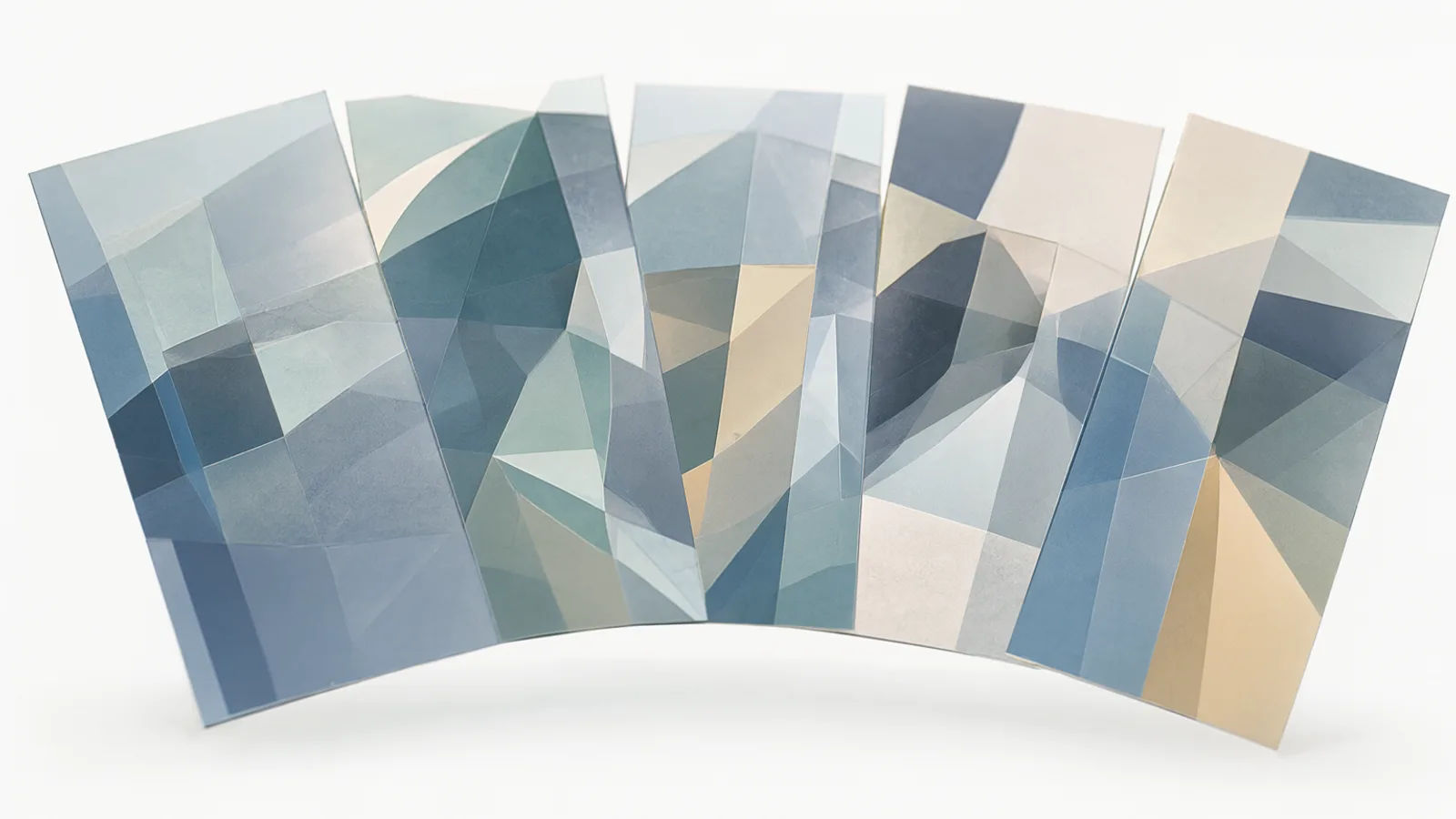
Wide editorial illustration of five floating rectangular panels arranged in a gentle arc, each panel showing a different abstract geometric pattern in muted blues, teals and warm grays. Soft even studio lighting, clean white background, shallow depth of field, minimalist composition, no text or logos.
Five open-source image, video and audio models shipped between 18 and 27 November 2026. Ming-Image-0.2-Design leads open-weight text-to-image rankings. Kandinsky 6.5 adds longer clips and reference controls. NVIDIA released a 30B sparse image model. ComfyUI gained Kandinsky and MiniMax H3 nodes. Ant Group open-sourced a 124B multimodal MoE. Each item below lists weights location, licence, benchmark numbers and the fastest way to run it.
Ming-Image-0.2-Design weights and ComfyUI files
Ming-Image-0.2-Design is a 6B DiT released 25 November 2026 under MIT licence. The weights sit on Hugging Face at inclusionAI/Ming-Image-0.2-Design and total roughly 52.9 GB. Default resolution is 2048×2048 with 12-step sampling at CFG 1.0; the model was validated on an 80 GiB GPU. It currently leads the open-weight leaderboard on Artificial Analysis AA-Image-T2I v2.1 with 1,095 Elo from 4,936 votes.
Comfy-Org released single-file safetensors versions (int8 and bf16) the same day for direct use in ComfyUI.
Recommended settings
- Sampler: 12 steps
- CFG: 1.0
- Precision: BF16
- Output: RGBA with transparent background supported
Example prompt
Figma-style UI layout, clean vector icons, 3-column dashboard, sans-serif typography, soft shadows, white background, precise alignmentLoad in ComfyUI
- Download the bf16 safetensors from the Comfy-Org repo.
- Place the file in the
models/diffusion_modelsfolder. - Load the native Ming-Image workflow template.
- Paste a structured prompt and run.
The model expects Figma-like layer descriptions; an official prompt rewriter is available in the repository. People often skip the 12-step limit and see detail loss; sticking to the published schedule preserves the reported ranking performance.
Kandinsky 6.5 Video, Image and SR 2.0
Sber released Kandinsky 6.5 Video and Image on 26 November 2026 at AI Journey, plus open weights for Kandinsky SR 2.0 between 24 and 26 November. The generation models stay GigaChat-only; only the super-resolution weights are downloadable.
Kandinsky 6.5 Video extends clips to 10 s at 2K, adds first/last frame control, and supports multi-photo compositing of characters, objects and locations with improved native audio. Kandinsky 6.5 Image improves face transfer from a reference photo and text/infographic rendering at 2K, upscalable to 4K inside GigaChat.
Kandinsky SR 2.0 provides open weights for 2×/4× image upscaling and 2×/2.25×/4× video upscaling up to 8K. It runs through official ComfyUI nodes.
Fastest local route for SR 2.0
- Install the latest ComfyUI nodes from the Kandinsky SR repository.
- Load the 2× or 4× model checkpoint.
- Feed a 2K Kandinsky 6.5 output or any 1080p clip.
- Choose scale factor and output resolution; the node handles tiling automatically.
Access the 6.5 models
- Open GigaChat and select Kandinsky 6.5 Video or Image.
- Upload reference photos for compositing or face transfer.
- Set duration up to 10 s and enable first/last frame or multi-reference mode.
People often try to download the 6.5 base weights; they are not released. Use SR 2.0 only after generating in GigaChat or another source.
OpenSourceGen runs current open-source image and video models with full settings. Start a generation or train a LoRA on the latest checkpoints.OpenSourceGen →
Nemotron-Labs-Image-30B-A3B release
NVIDIA released Nemotron-Labs-Image-30B-A3B on 27 November 2026. The autoregressive model uses a 30B total parameter count with 3B active parameters and ships under a non-commercial research licence.
Key specifications
- Repository: nvidia/Nemotron-Labs-Image-30B-A3B
- Benchmarks: 92.86 on GenEval, 97.98 on LongTextBench, 91.50 on WISE Verified
- Format: safetensors shards plus bundled tokenizer
Inference requirements
Run the model with Python 3.12, torch 2.11 and vLLM 0.21. The reference setup uses four H100 80 GB GPUs. Lower VRAM configurations are not documented in the release.
Quick start steps
- Clone the repository and install the listed dependencies.
- Download the safetensors shards and tokenizer files from the Hugging Face repo.
- Launch inference with the vLLM engine using the provided example script.
- Supply a text prompt; the model outputs an image at the trained resolution.
Users commonly skip the exact torch and vLLM version pins and encounter compatibility errors. The release notes list the four-GPU example as the validated path; single-GPU or consumer-card attempts are not covered.
ComfyUI v0.46.4 and new H3 / Kandinsky nodes
ComfyUI v0.46.4 is the current release as of 28 November 2026. Version 0.46.0 shipped on 18 November and added a video deflicker node, MiniMax H3 text-encoder adapters for Qwen3.5 and Gemma 4, and Kandinsky SR support.
The GitHub repository merged 40 pull requests in the preceding week. These included multi-GPU partner nodes for MAGI-2 and MiniMaxH3VideoVAE.
New custom nodes released 25-26 November
- MiniMax H3-Image Pose Transfer LoRA (rank-32) ships as a 17-node workflow that transfers pose from a reference image while keeping the source character.
- H3 Style Transfer Ref2VA LoRA provides 29 example clips that demonstrate reference-to-video style application.
Fastest way to install
- Update ComfyUI to v0.46.4 via git pull.
- In Manager, search for “MiniMax H3” and “Kandinsky SR” and install the official node packs.
- Restart and load the 17-node Pose Transfer workflow from the example folder.
The deflicker node sits after any video decode step and runs at default strength 0.6. Kandinsky SR nodes accept 2× or 4× upscaling factors and output directly to 8K. Users commonly forget to enable the new text-encoder adapters when switching from older H3 workflows; the adapters must be selected in the model loader before generation begins.
ComfyUI changelog Comfy-Org/ComfyUI Pulse comfyui-wiki.com
Ling-3.2-air multimodal MoE and GigaAM-v4
Ling-3.2-air (inclusionAI/Ant Group) and two new Sber ASR models appeared on 27 November 2026.
Ling-3.2-air is a 124B-total / 5.5B-active hybrid-linear MoE that handles text, image and video in one checkpoint. It ships under the MIT licence on Hugging Face. The active-parameter count keeps inference cost low while the total size supports broad multimodal tasks.
How to load it
- Clone the repository from the Ant Group release page.
- Install the required transformers and vLLM versions listed in the model card.
- Load with
trust_remote_code=Trueand setdevice_map="auto"to spread the MoE layers. - Use the same chat template for text, image or video prompts.
People often forget to pin the exact vLLM commit; newer versions drop the custom linear kernels and raise memory use.
Sber released GigaAM-v4 (238M) and GigaAM Multilingual-v2 (776M) the same day, both under MIT on Hugging Face. They improve ASR word-error rates on Russian and multilingual benchmarks. Run them with the official Whisper-compatible inference script or the new ComfyUI audio nodes.
Ant Ling announcement and AI Model Release Tracker contain the exact weight files and licence text.
Frequently asked questions
Where can I download Ming-Image-0.2-Design weights?
The official 6B weights are on Hugging Face at inclusionAI/Ming-Image-0.2-Design under MIT. Comfy-Org also published single-file int8 and bf16 safetensors the same day.
Does Kandinsky 6.5 release weights?
Only Kandinsky SR 2.0 weights are open-sourced. The 6.5 Image and Video models remain GigaChat-only; no public checkpoints exist for the generation models themselves.
What GPU do I need for Nemotron-Labs-Image-30B-A3B?
The repo states four H100 80 GB GPUs as the example configuration, with Python 3.12, torch 2.11 and vLLM 0.21.
Which ComfyUI version added Kandinsky SR support?
ComfyUI v0.46.0 introduced the nodes; v0.46.4 is current as of 28 November and includes the official Kandinsky SR nodes plus video deflicker.
Try the latest open models
OpenSourceGen runs current open-source image and video models with full settings. Start a generation or train a LoRA on the latest checkpoints.
Open StudioSources
- Generative AI News: Ming-Image Weights Released, Kandinsky 6.5, and Hy3D 3.6
- AI Model Release Tracker | Startrise
- nvidia/Nemotron-Labs-Image-30B-A3B · Hugging Face
- Ming-Image 0.2 Design: Sharper Layouts and Text in ComfyUI
- ComfyUI changelog
- Comfy-Org/ComfyUI Pulse
- На AI Journey "Сбер" представил новое поколение моделей Kandinsky 6.5
- Ming-Image/README.md
- Sber press on Kandinsky 6.5
- Ant Ling announcement on X
- huggingface.co
- comfyui-wiki.com
Researched and drafted with AI assistance by the OpenSourceGen team's editorial pipeline, from the sources listed above. Model licences, prices and versions change — check the linked pages before relying on them. Spotted a mistake? Tell us on Discord.