OpenSourceGen
Generate Full Song with Vocals Using ACE-Step 1.5
Show the prompt
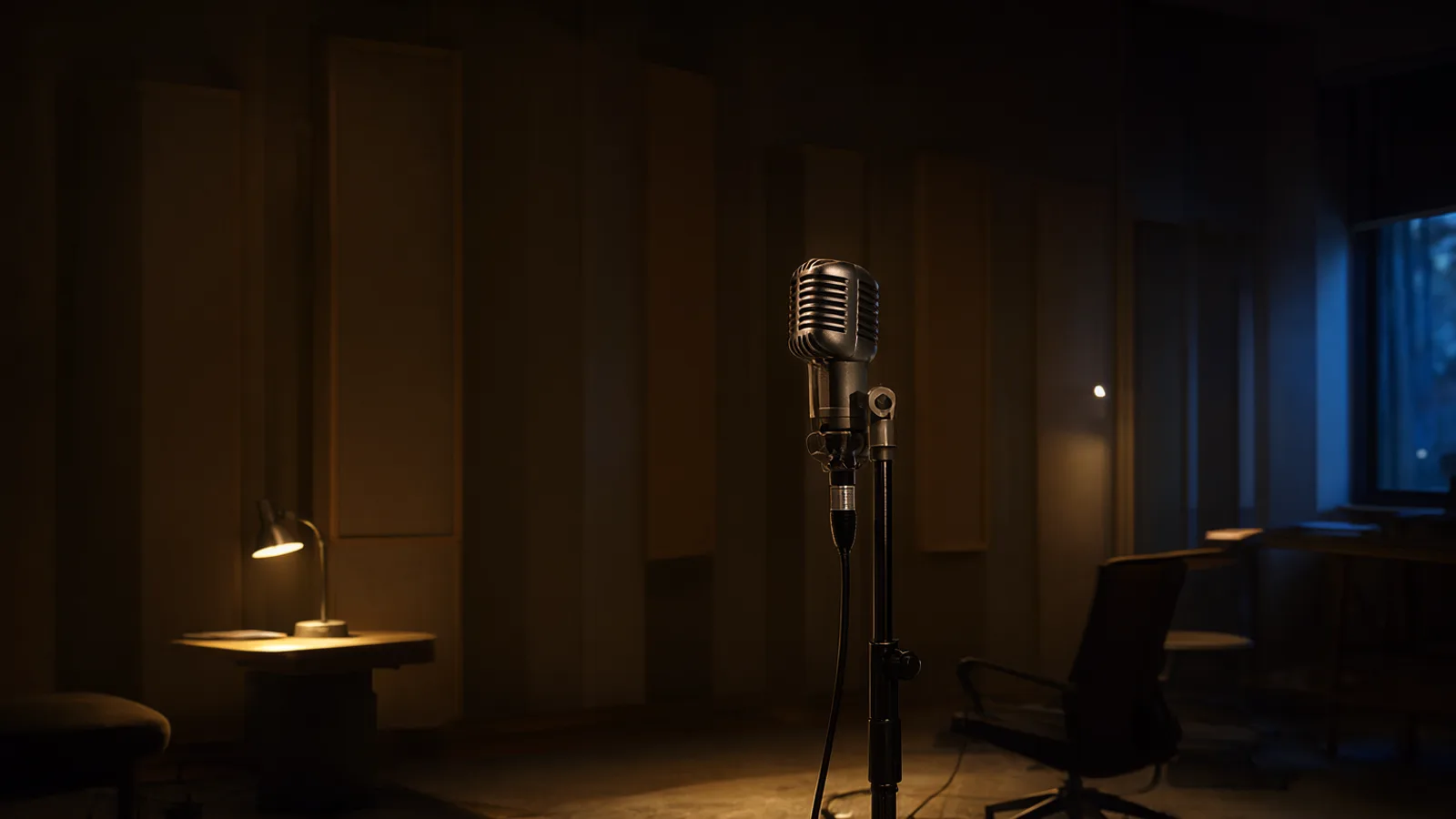
Wide landscape view of a dimly lit recording studio at night. Wooden acoustic panels on the walls, a vintage microphone on a stand in the foreground, soft warm light from a desk lamp, subtle blue ambient light from a window, empty chair, calm and focused mood, realistic photographic style.
ACE-Step 1.5 generates full songs with vocals from tags and optional lyrics. On OpenSourceGen the Create Music tool runs the XL Turbo variant with ready presets for BPM, key and duration. The sections below give the exact tag format, lyric structure and settings that produce coherent tracks without style clashes or timing problems.
Access Create Music on OpenSourceGen
OpenSourceGen's Create Music tool runs the XL Turbo variant of ACE-Step 1.5 and is the fastest route for generating a full song with vocals. The page loads immediately with no account required. Credit cost is calculated from actual GPU time, so shorter tracks use fewer credits than longer ones.
Three preset chips appear on the page: Late Night Trap, Indie Ballad and Synthwave. Each chip loads a ready tag list that follows the model's recommended format of genre first, followed by instruments, mood and BPM.
To reach the tool:
- Go to the Studio page at opensourcegen.com/studio.
- Select the Audio category.
- Click Create Music.
The interface shows fields for Tags, Lyrics, Duration, BPM, key, time signature and language. Duration is supported up to 6 minutes and BPM from 60 to 200.
No local install or ComfyUI workflow is needed for this route. Users who prefer local execution can run the Gradio UI or REST API from the ACE-Step 1.5 repository after downloading the model weights.
Write effective tags for ACE-Step 1.5
Tags tell ACE-Step 1.5 the genre, instruments, mood and tempo that shape the entire track. The model expects a short comma-separated list that begins with the primary genre.
Recommended tag order
- Genre first
- Then instruments or vocal type
- Mood or production style
- BPM at the end
Use 3-7 keywords total. The prompt guide recommends this order because the language model planner builds its song blueprint from the first terms it sees. ACE-Step Prompt Guide (2026)
indie folk, acoustic guitar, piano, soft strings, warm, nostalgic, 95 BPMTag formula from the prompting guides
Genre, mood, vocal type, production style, BPM bpm. Keep the whole string under 120 characters so it is not truncated. AceStep Music Generation Guide
Common mistakes to avoid
- Mixing contradictory styles such as ambient + metal
- Using more than seven keywords
- Forgetting the BPM number
Primary genre plus one or two influences works better than long lists. On OpenSourceGen the Tags field in Create Music accepts exactly this format and passes it directly to the XL Turbo variant.
Quick checklist
- Start with one clear genre
- Add 2-4 supporting descriptors
- End with BPM
- Stay under 120 characters
This structure produces coherent style and timing because the underlying LM planner expands the list into a consistent song blueprint.
Enter tags and lyrics on the Create Music page to generate a full song with vocals using ACE-Step 1.5.Create Music →
Structure lyrics with section markers
ACE-Step 1.5 uses bracketed section tags to divide lyrics into verses, choruses and bridges. These markers tell the LM planner where to place musical transitions and vocal changes.
Write lyrics at 2-3 words per second. A 47-second track needs roughly 94-141 words total. Shorter lines keep timing even; longer lines cause the model to rush syllables.
Worked example for a 47-second track
[Verse]
Morning light on the old back road
Coffee in a paper cup, radio low
[Chorus]
We keep driving, windows down
Chasing the horizon, never slowing down
[Bridge]
One more mile and the sun comes up
[Chorus]
We keep driving, windows down
The example above totals 48 words and fits the 2-3 words-per-second range when sung at 95 BPM. Add an [instrumental] tag to create a break:
[Verse]
...
[instrumental]
[Chorus]
Place [Verse] for story sections, [Chorus] for repeated hooks, and [Bridge] for contrast. End with [Outro] if the track needs a fade. The model expands these tags into the final audio blueprint, so consistent markers produce cleaner section changes than plain paragraphs.
Choose settings for quality or speed
OpenSourceGen's Create Music tool runs the ACE-Step 1.5 XL Turbo variant. Adjust inference steps, guidance, and ADG to trade output quality for generation speed.
Quality settings
Set these values when the track needs clear vocals and coherent structure:
These values increase compute time but reduce artifacts and improve lyric timing.
Speed settings
Use the turbo path for quick tests or multiple drafts:
Generation finishes in a few seconds on the same hardware.
| Goal | inference_steps | use_adg | guidance_scale |\n|------------|-----------------|---------|----------------| | Quality | 64+ | True | 7.0–9.0 | | Speed | 8 | False | 1.0 |
Other parameters
Duration accepts any value from 10 s to 600 s. BPM ranges from 60 to 200. Choose any major or minor key and time signature 2/4, 3/4, 4/4, or 6/8. These fields affect the LM planner directly; mismatched BPM often causes rushed phrasing even with good tags.
Start with the quality preset for final tracks. Switch to turbo when iterating on structure or testing new tag lists.
Generate the song in one pass
OpenSourceGen's Create Music tool runs the XL Turbo variant of ACE-Step 1.5. Enter tags and lyrics in the provided fields, set duration and BPM, then generate.
- Type or paste your comma-separated tags into the Tags field. Start with genre, then add instruments, mood, vocal type and BPM.
- Paste structured lyrics into the Lyrics field. Use [Verse], [Chorus] and [Bridge] markers.
- Set Duration (up to 6 minutes), BPM (60–200), key, time signature and language.
- Click Generate. The model produces the full track in one pass.
Worked prompt example
Tags: indie folk, acoustic guitar, piano, soft strings, warm, nostalgic, 95 BPM

Lyrics:
[Verse]
Morning light through the window
Coffee cooling on the table
Old photos in a drawer
[Chorus]
We were young and running free
Chasing dreams by the sea
Now the years have settled in
[Bridge]
[instrumental]
[Chorus]
We were young and running free
This 47-second example uses roughly 2.5 words per second. Keep total lyrics under 140 words for tracks near one minute to avoid rushed delivery. Batch size 8 lets you compare timing and style without extra cost. The tool deducts credits based on actual GPU time.
Fix common ACE-Step 1.5 problems
Three frequent problems appear when generating with ACE-Step 1.5: lyrics that finish too early, style clashes inside one track, and tags that get cut off. Each has a direct fix.
Rushed lyrics
The model expects 2-3 words per second. A 47-second track therefore needs roughly 90-140 words total. When users paste longer lines the vocal delivery speeds up and words get clipped. Shorten each line until the count matches the target duration. Replace full sentences with short phrases and keep the [Verse] and [Chorus] markers.
Style conflicts
Contradictory tags such as "ambient, metal" force the model to average incompatible timbres. Start with one primary genre, then add compatible instruments or mood words only. Replace the pair with "indie folk, acoustic guitar, warm, 95 BPM" and regenerate. The LM planner produces a single coherent blueprint instead of two competing ones.
Truncation and reference audio
Tag lists longer than 120 characters are truncated before they reach the planner. Count characters and drop secondary descriptors. When the remaining tags still produce weak results, upload a short reference audio clip. The model extracts BPM, key and timbre from the file and applies them directly, bypassing the need for extra text.
| Problem | Typical cause | Concrete fix |
|---|---|---|
| Rushed lyrics | >3 words per second | Shorten lines to 2-3 words/sec |
| Style clash | Opposing genres in one list | Keep one primary genre + compatible modifiers |
| Truncated tags | List >120 characters | Trim list or add reference audio |
Use reference audio and LoRA training
Reference audio supplies style, BPM and key directly. Upload a short clip to the Create Music tool on OpenSourceGen and the model extracts those attributes instead of relying only on tags.
Reference audio steps
- Prepare a 10-30 second clip that matches the target genre and vocal texture.
- Set duration, BPM range and key to values close to the reference; the model blends both signals.
- Generate. The output follows the reference's timbre and tempo while obeying your lyrics structure.
Common mistake: uploading a full song instead of a focused excerpt. The extractor works best on short, clean segments that contain the main instrument or vocal.
Local LoRA training
ACE-Step 1.5 supports fine-tuning from 3-5 songs. On an RTX 3090 the process finishes in roughly one hour using the official repository scripts. The resulting LoRA can be loaded into the Gradio UI or ComfyUI workflow for repeated use.
OpenSourceGen's Create Music tool runs the fixed XL Turbo variant and does not accept custom LoRAs. Users who need the same voice or style repeatedly must train and run the model locally.
Frequently asked questions
How long can ACE-Step 1.5 songs be?
The model supports 10 seconds to 10 minutes. OpenSourceGen's Create Music tool caps duration at 6 minutes.
What languages does ACE-Step 1.5 support for vocals?
It handles 50+ languages including English, Spanish, French, German, Mandarin, Japanese, Korean and Hindi.
Can I control BPM and key in ACE-Step 1.5?
Yes. Set BPM between 60-200, any major or minor key/scale, and time signatures 2/4, 3/4, 4/4 or 6/8.
Does ACE-Step 1.5 allow commercial use?
The model is MIT licensed and trained on licensed, royalty-free and synthetic data, so commercial use is permitted.
Try it in Create Music
Enter tags and lyrics on the Create Music page to generate a full song with vocals using ACE-Step 1.5.
Open Create MusicSources
Researched and drafted with AI assistance by the OpenSourceGen team's editorial pipeline, from the sources listed above. Model licences, prices and versions change — check the linked pages before relying on them. Spotted a mistake? Tell us on Discord.